How to Find Hidden Customizations Before Your Next ServiceNow Upgrade
Most ServiceNow upgrade failures are caused not by major custom applications but by forgotten business rules, dictionary overrides, and cloned scheduled jobs that nobody documented. This guide shows how to query sys_metadata to build a complete customization inventory, score each item by upgrade risk, and build a proportional test plan before your next Yokohama or Zurich upgrade.

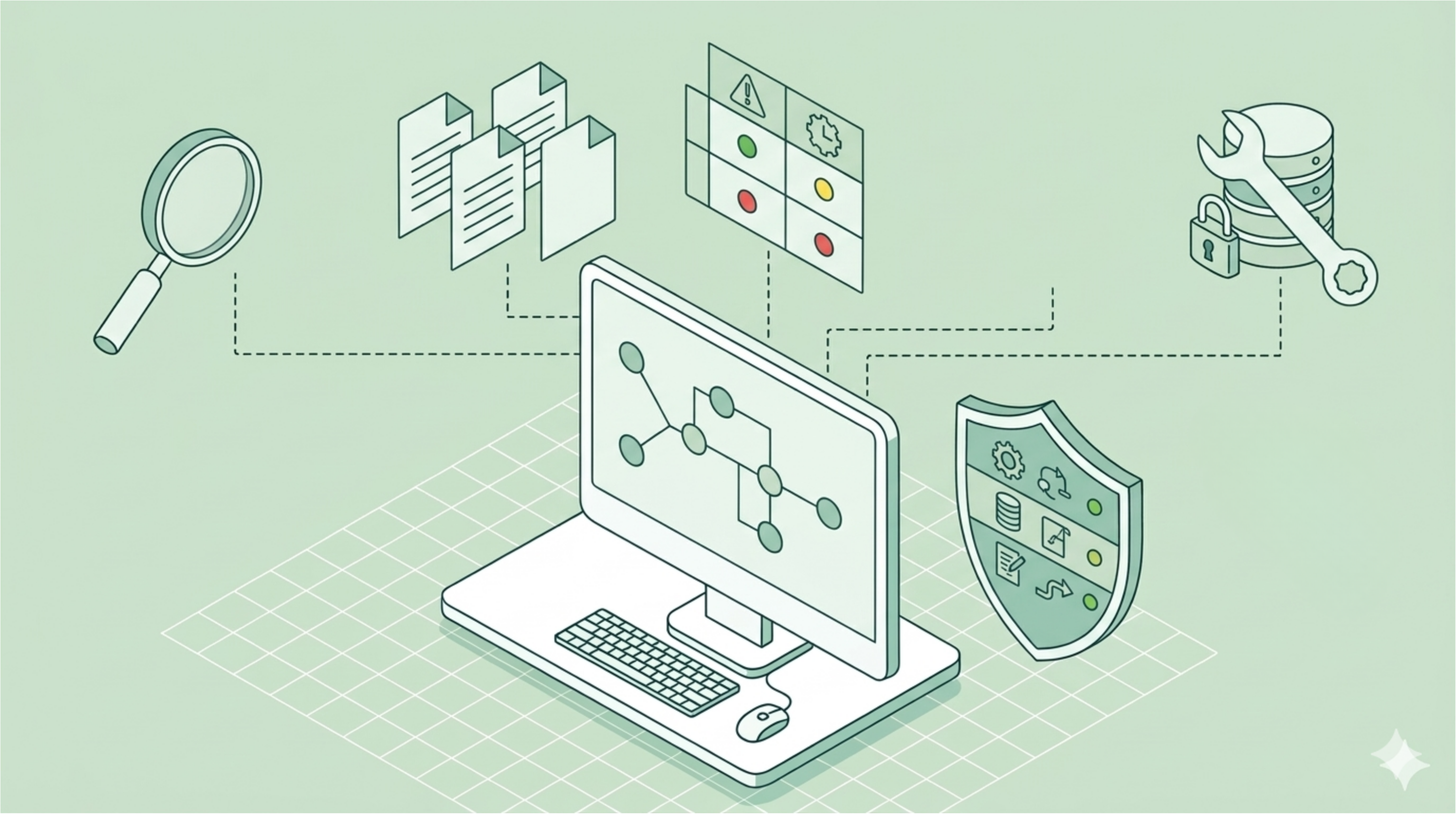
ServiceNow upgrades are supposed to be straightforward. You follow the process, apply the patch in a sub-prod environment, run your tests, and cut over. But anyone who has managed a ServiceNow instance through a major release knows that upgrade failures rarely come from where you expect them. They come from a business rule someone added two years ago, a field that was quietly renamed, a workflow that nobody touched because it worked until suddenly it didn't.
The good news is that most ServiceNow upgrade failures are preventable. The challenge is building a systematic way to find the customizations that hide in plain sight before they become production incidents. This guide walks through exactly how to do that.
Why Small ServiceNow Customizations Cause Outsized Upgrade Problems
The customizations that break ServiceNow upgrades are not usually the obvious ones. A full custom application, a dedicated scoped app, a well-documented integration: these tend to get tested thoroughly. The risk lives in the unglamorous middle ground: business rules on core tables, dictionary overrides on system fields, client scripts added for a one-off requirement and never reviewed.
These create two categories of risk:
Direct conflict: a customization that modifies behavior ServiceNow changed in the new release.
Silent dependency failure: a customization that depends on an internal behavior (a field value, an API response structure, a notification trigger) that changed without being formally documented as a breaking change.
Both are addressable, but only if you know they exist before you cut over.
Where Hidden Customizations Live in Your ServiceNow Instance
Before building a risk register, you need to know where to look. The most common locations for undocumented or forgotten customizations include:
- Business rules on core ITSM tables (incident, task, sc_req_item, change_request): easy to create, easy to forget
- Dictionary overrides on OOB fields: label changes, default values, and max length adjustments that exist only in your instance
- Client scripts and UI policies on frequently-upgraded forms: especially on Incident and Service Catalog forms
- Scheduled jobs cloned from a default job and then modified without documentation
- Update sets that were never properly transported and contain direct table edits
- Integration scripts that assume specific field names or response structures from internal APIs
The fastest way to surface these is a query against sys_metadata filtered to customer_update=true, which flags all non-OOB changes in your instance. Sort by sys_updated_on descending to see what has been touched most recently, and sys_created_on ascending to find the oldest customizations, which are often the least well-understood.
How to Build a ServiceNow Upgrade Risk Register
An upgrade risk register is a simple scoring matrix. For each customization, you assess two things: how critical is the table or area it affects, and how much does that area change between releases?
High criticality + high change frequency is the danger zone. This includes anything touching the Flow Designer engine, the ITSM core tables, or the Discovery/CMDB layer, all of which receive significant changes between major releases.
Step 1: Build Your Customization InventoryQuery sys_metadata with customer_update=true to produce your full list.
Step 2: Tag Each Entry by AreaGroup customizations into categories: workflow/flow, ITSM core, CMDB/Discovery, reporting, integrations, and UI.
Step 3: Score Each Area for Platform Change FrequencyUse the release notes for your target release. ServiceNow publishes detailed change notes per product area. A business rule in an area with five or more documented changes carries higher risk than one in an area with none.
Step 4: Flag Scope Boundary IssuesFlag anything that touches scoped application boundaries, especially if the scope was changed post-install.
Step 5: Assign OwnersFor each flagged item, assign an owner who can confirm whether the customization is still needed before testing begins.
A spreadsheet with columns for customization name, table, area, change score, owner, and test status is sufficient to run a disciplined pre-upgrade review.
How to Test ServiceNow Customizations Before Go-Live
Once you have the risk register, testing becomes targeted rather than exhaustive. The goal is not to test everything. It is to test the things most likely to break in proportion to the cost of them breaking in production.
- High-risk items: Run end-to-end test scenarios in your sub-prod environment post-upgrade before touching production. ServiceNow's Automated Test Framework (ATF) is the right tool here if you have tests already built. If not, manual smoke tests against the top 20 transactions by volume will catch most real-world failures.
- Medium-risk items: Test the critical path only. The happy path from start to completion is sufficient. Edge cases can wait until after go-live if the risk profile is low.
- Low-risk items: Spot-check 10 to 15 percent of the group. If those pass, the rest are likely fine.
Document what passed, not just what failed. A test log showing positive results is evidence you can use when something breaks post-upgrade and you need to demonstrate due diligence to stakeholders.
Frequently Asked Questions
What causes ServiceNow upgrades to fail?Most failures come from customizations that were not tested against the new release. Business rules on core ITSM tables, dictionary overrides, and client scripts are the most common culprits. They conflict with platform changes that occurred since the customization was written, often without any documented warning.
How do I find all customizations in my ServiceNow instance?Query sys_metadata with customer_update=true. This flag identifies every record that deviates from the out-of-box configuration. Add filters for active=true or specific tables to narrow results. For business rules specifically, query sys_script with table IN (incident, task, sc_req_item, change_request) AND customer_update=true.
How far back should I look when reviewing customizations before an upgrade?Focus on any customization created or modified since your last major release. Patch-level changes carry lower risk. Major release changes to platform behavior are where breakage typically originates.
Do unmodified ServiceNow instances still break during upgrades?Yes. Platform-level changes to APIs, internal field behavior, and engine logic can affect even clean instances. The risk is lower, but testing remains essential regardless of how few customizations you have.
Should I include inactive customizations in the risk register?Yes. Inactive business rules and client scripts can be re-activated accidentally during upgrades, and they carry the same risk profile as active ones if they were written against now-changed behavior. Excluding them creates a false sense of completeness.
The Bottom Line
ServiceNow upgrade failures are not random. They follow a pattern: unglamorous, low-visibility customizations created under time pressure, tested once, and never revisited. Building a risk register and testing against it is not a heavy lift. It is a systematic way to make the predictable failures preventable.
The instances that upgrade cleanly are not the ones with fewer customizations. They are the ones where someone did the work to understand what they had before the upgrade window opened.
Related Articles

Skip expensive SPM licenses. Build lightweight demand management in ServiceNow with a custom table, 3-question scoring model, and weekly triage cadence. This 2-week implementation guide shows you how to capture requests consistently, prioritize fairly, and integrate with Jira, no additional licensing required. Perfect for platform teams managing under 50 concurrent projects who need visibility without six-figure portfolio tools.

Reddit's ServiceNow community reveals what experienced admins wish they knew before standing up their first instance in 2026. From CMDB setup to fighting customization creep, learn the best practices that matter and how AI agents are compressing 12-16 week implementation timelines to days.
ServiceNow's 2026 SKO revealed a partner divide: AI-native delivery firms see 50%+ faster implementations while traditional models lose credibility.