

How to Automate Your ServiceNow Catalog with Echelon
Learning how to automate Service catalog doesn't have to mean more developers or employing an MSP. The problem is that catalog work never stops — new items, form tweaks, approval changes, and legacy workflow migrations all pull senior developers off the roadmap.
The old fixes don't scale either: one customer's MSP spent 100 hours a month and on average only solved three catalog item tickets a month.
Echelon's AI agents change that. They build, test, document, and maintain catalog items autonomously — directly inside your instance, following your standards, with a human approving every change.
The result is new, production-ready catalogs in hours, not weeks, with no added headcount or technical debt. And continuous maintenance for those you already have.
Here’s how to automate your catalogue on autopilot with Echelon AI in 7 steps. You can also watch our Echelon AI tutorial on Youtube video: CMDB with Echelon here.
Step 1: Connect Echelon to Your ServiceNow Instance
To automate ServiceNow catalog workflows without breaking production, start with the connection. Echelon links directly to your live instance, giving the AI the architectural context to build accurately from day one.
Choose your access mode — read-only for an initial assessment, or full build access for active development.
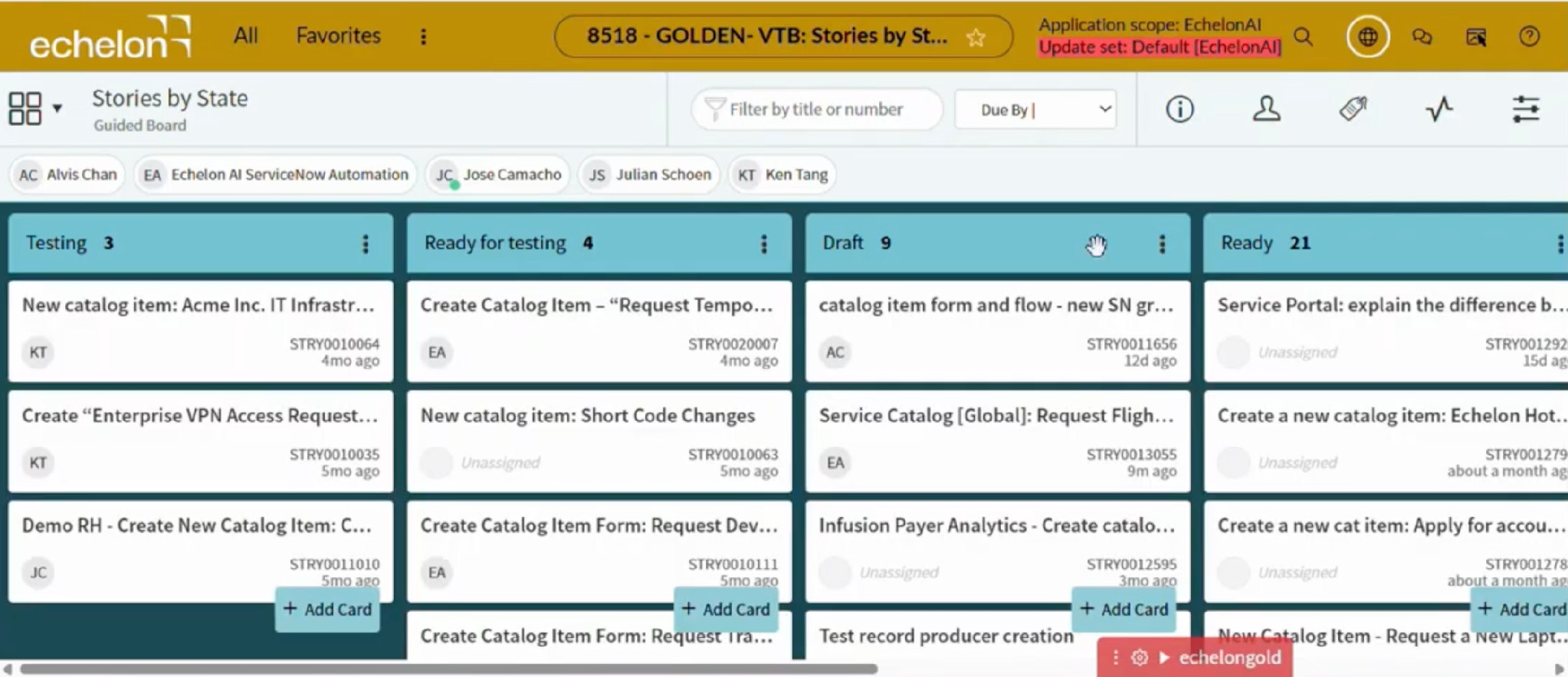
Configure the secure link so every action is fully reversible and logged in a complete audit trail.
Let the agent crawl your architecture — it scans existing catalog items, flows, and app structures to recognize established patterns.
Reuse what's already built — Echelon identifies existing variable sets and subflows to prevent duplication. As Rahul, Co-founder and CEO of Echelon, puts it: "Echelon is smart enough to reuse [variable blocks, subflows, and actions] that have been built out."
The result: Echelon starts with full architectural context and reuses existing components — accurate builds from day one, no duplicated technical debt.
Step 2: Load Enterprise Standards and Presets
Next, teach Echelon what "done right" means inside your organization. Echelon calls this your Instance Knowledge — a structured set of rules, templates, and preferences the agent applies automatically on every task.
Open the Instance Knowledge panel in your Echelon dashboard once authentication completes.
Upload naming conventions — CSV or text templates defining how catalog items, variables, and categories are labeled.
Add UI policy templates that control field visibility, mandatory rules, and read-only states across items.
Define standard variable blocks — reusable input groups like approver fields, cost center pickers, and date ranges that should appear globally.
Set architectural preferences such as scoped vs. global targets, integration patterns, and workflow design defaults.
Save and validate the preset profile so the agent inherits every rule before any build begins.
The result: Instance Knowledge becomes the agent's standing brief — naming standards, UI policies, variable structures, and architectural guardrails enforced on every build, so governance is locked in before the first item is created.
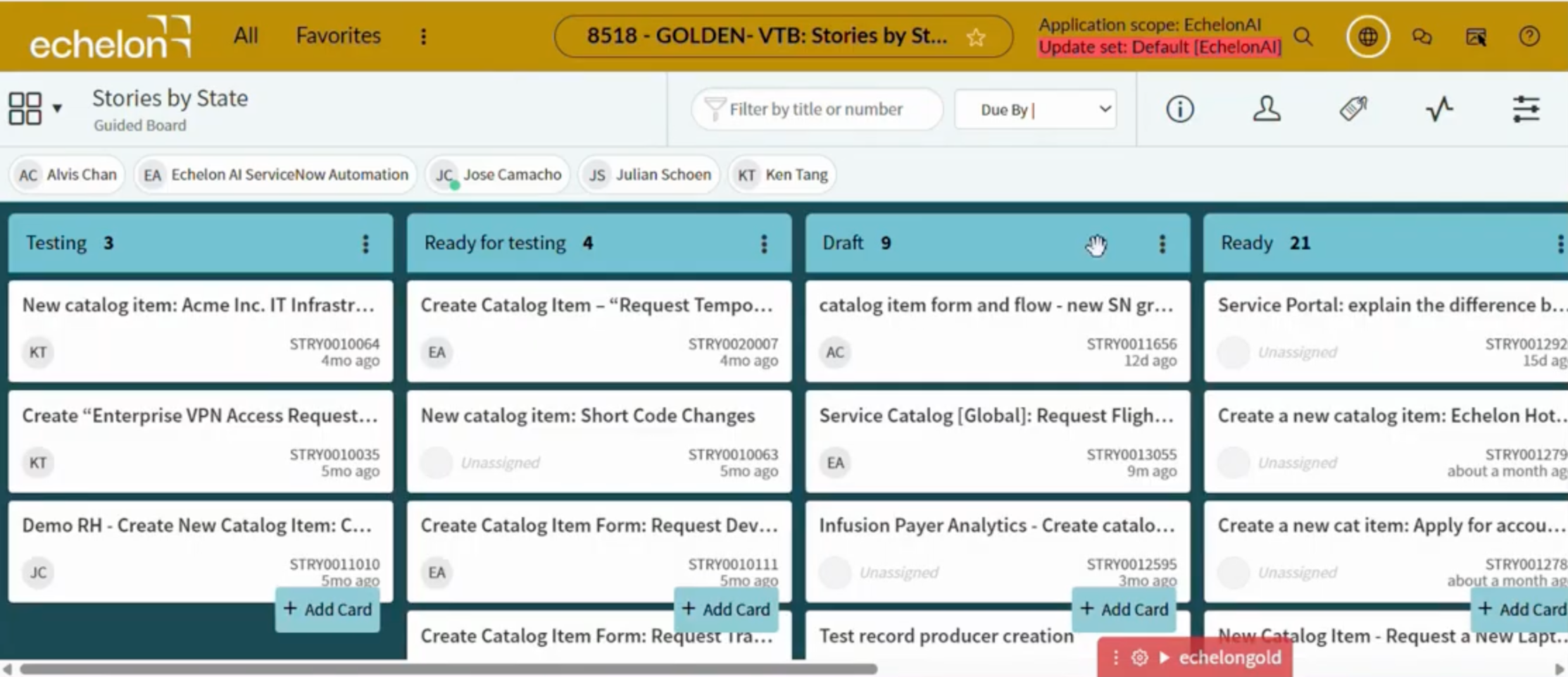
Step 3: Assign a Requirement or User Story
With your standards loaded, hand Echelon its first real task. The input format is intentionally flexible — describe the requirement however it already exists in your workflow, no reformatting required.
Open the Experience chat in your Echelon dashboard.
Paste your requirement — a natural-language description, a rough idea, or a Jira/ServiceNow story URL all work as valid inputs.
Link backlog items directly — the agent reads the acceptance criteria and maps it to catalog variables automatically.
Run tasks in parallel — assign several backlog stories at once instead of queuing them one by one. For teams facing growing development backlogs, this is a force multiplier.
Track progress via notification bubbles that surface automatically as each task completes.
The result: a build kicked off from whatever input you already have — no spec rewriting, multiple items moving at once, and a proposed design ready for review.
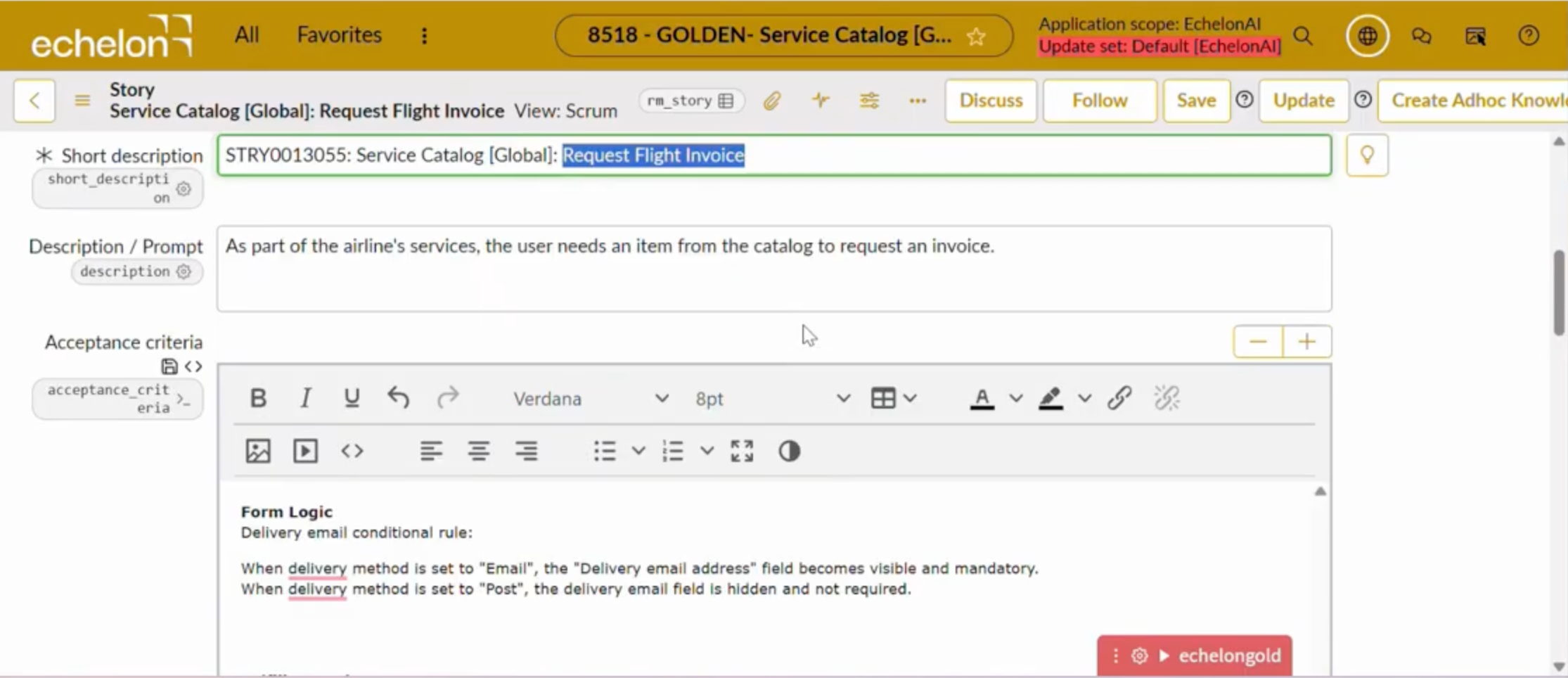
Step 4: Review and Approve the Design
When Echelon delivers its proposed catalog item, your role shifts from builder to architect — the human-in-the-loop checkpoint that keeps AI agent automation sustainable at enterprise scale.
Check the form layout and variable types — confirm labels, data types, and mandatory flags match the standards you loaded in Step 2.
Review the Flow Designer logic — inspect each action, approval step, and notification to verify the workflow matches the requirement from Step 3.
Give feedback in the chat — flag mismatches directly, and the agent refines its output in real time, no rebuild required.
Most teams find this review takes minutes, not hours.
The result: a validated design signed off by a human before anything ships — fast, but accountable.
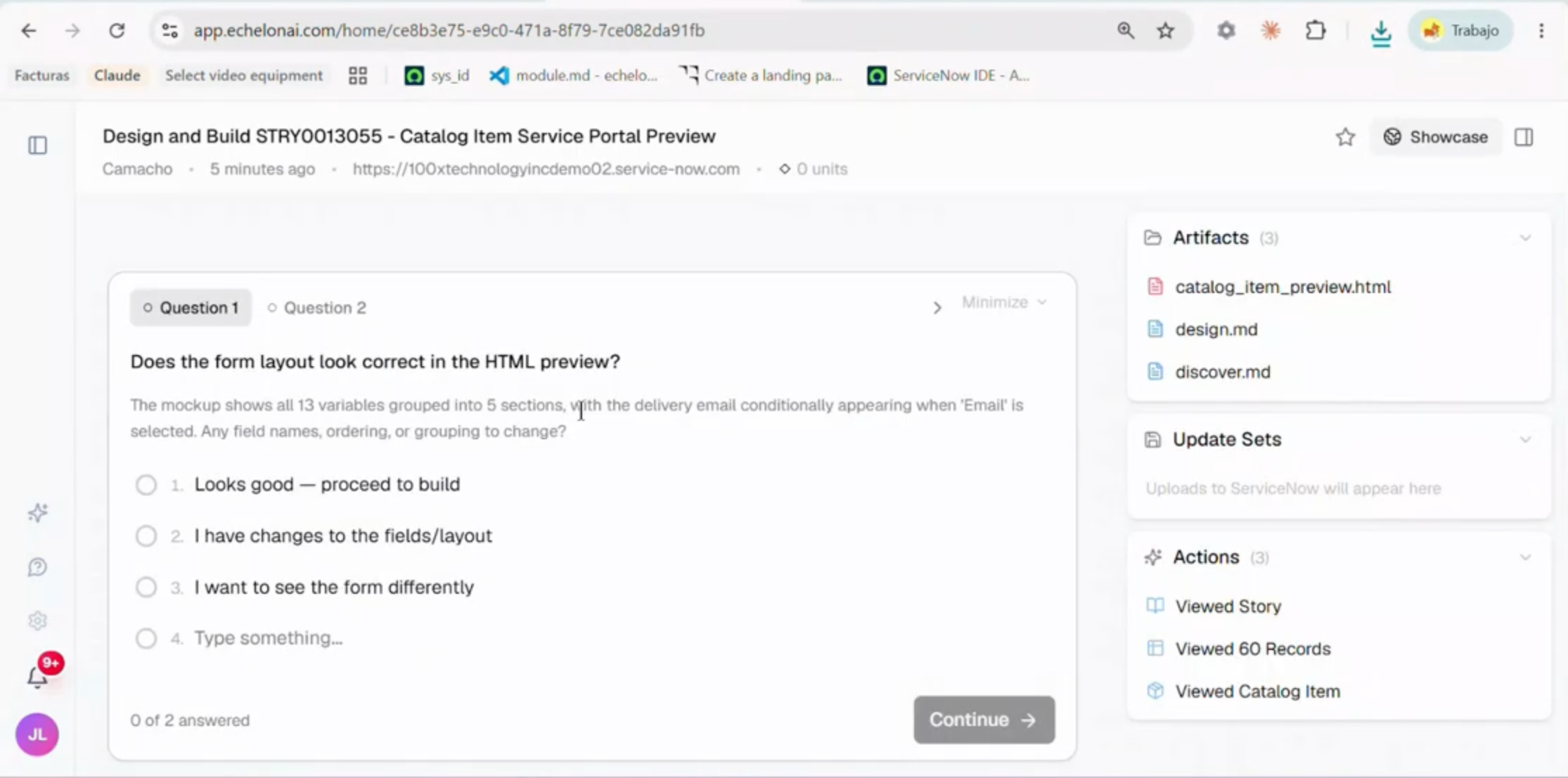
Step 5: Execute Automated Testing and Validation
With the design approved, confirm your ServiceNow catalog item automation holds up under real conditions. Echelon handles this through structured ATF generation, so no manual scripting is required.
Generate ATF test cases covering all form fields, variables, and submission paths automatically.
Verify UI policies and client scripts against real usage scenarios, not generic stubs.
Validate subflow triggers and integrations to confirm every downstream point fires correctly.
Confirm governance criteria — the item is checked against your compliance rules before it can advance.
The result: a tested catalog item that clears every checkpoint — turning weeks of manual testing into minutes, with an audit trail you keep.
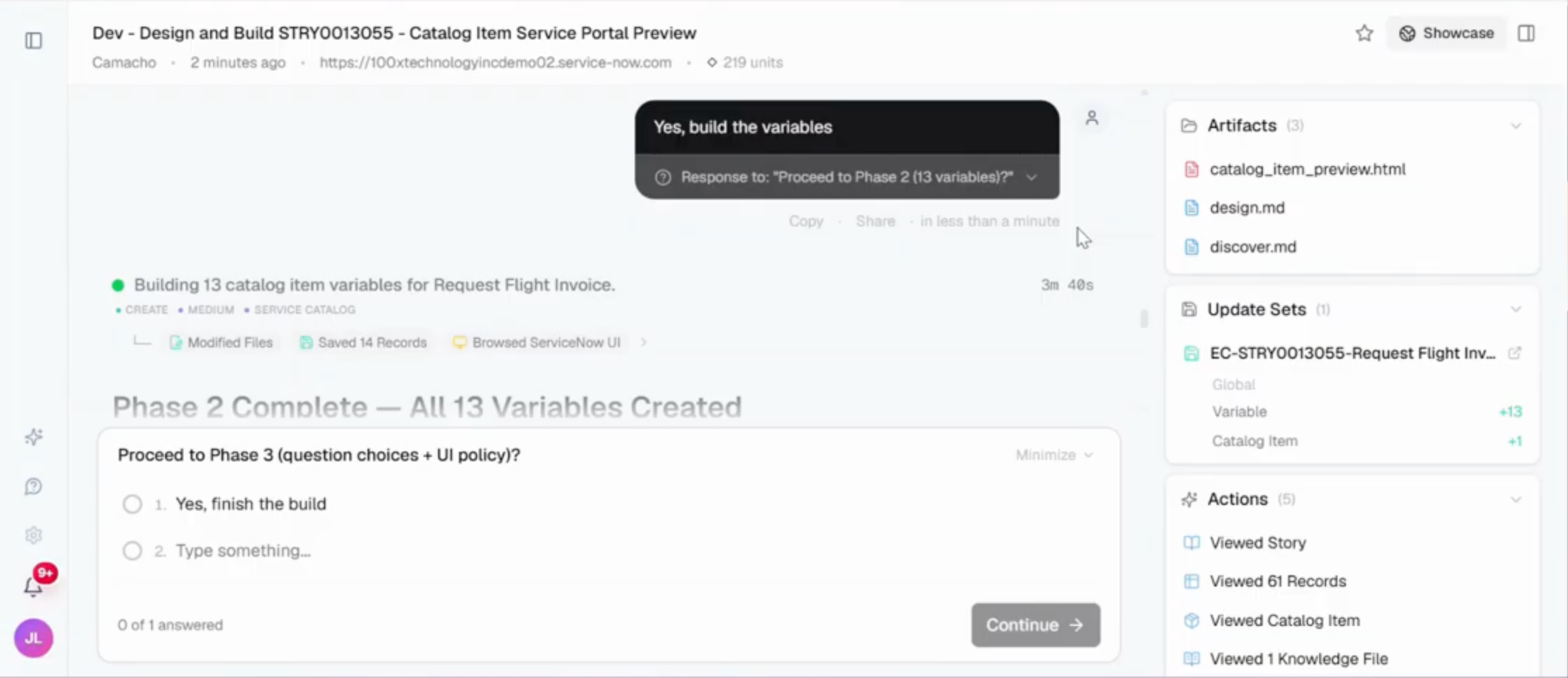
Step 6: Deploy on Your Schedule and Monitor on Autopilot
With testing complete, promote the item live on your timeline — nothing ships without your sign-off — then let Echelon take over monitoring.
Promote the validated item from dev or UAT to production using standard update set or Pipeline and Deployment processes.
Enable Autopilot mode so the agent collects real user interaction data immediately after go-live.
Review the usage dashboard to baseline form completion rates, field drop-offs, and submission errors.
Approve automated optimizations — the agent surfaces field-level fixes from real usage patterns and applies the changes you approve, no sprint required.
Set alert thresholds so the agent flags degraded performance before users raise tickets.
The result: a catalog item promoted on your schedule and monitored on autopilot — improving from real usage instead of waiting on the next manual review.
Put Maintenance on Autopilot: Optimize and Migrate
The long-term payoff comes from keeping the catalog clean and current without manual upkeep draining your team. Here, the agent handles ongoing optimization and the migration of legacy Workflow items to Flow Designer.
Review weekly usage reports to spot items with high abandonment, repeated errors, or stalled requests — flagged automatically as optimization candidates.
Approve variable consolidations the agent surfaces from submission patterns; fewer fields means faster completion and happier requesters, no rebuild.
Run a migration scan against Workflow-backed items — the agent maps each step, finds Flow Designer equivalents, and flags compatibility gaps before touching production.
Validate the Flow Designer drafts for logic parity against the original Workflow behavior before promotion.
Retire deprecated Workflow items in a controlled cutover, using rollback checkpoints to revert instantly if a migrated flow misbehaves.
Schedule recurring audits through automated governance settings so the agent continuously catches duplicate items, stale variables, and policy drift.
The result: a catalog that ages gracefully instead of accumulating technical debt — optimization and migration running on a continuous cycle, not a once-a-year project, for compounding efficiency gains.
ServiceNow Catalog automation on autopilot with complete human oversight
Automating ServiceNow catalog workflows comes down to one repeatable loop: connect Echelon, load your standards, assign a requirement, review the design, validate with automated testing, deploy on your schedule, and keep optimization and migration on autopilot. A human stays in control while the agent handles the manual work — shipping production-ready catalog items in hours, not weeks, with no added headcount or technical debt.
The proof: where an MSP once spent 100 hours a month to produce three catalog items, Echelon automates that output end-to-end in hours. To see ServiceNow catalog automation in action, explore Echelon's catalog page or book a demo.
How to Maximize ROI with Catalog Automation
Putting these seven steps into practice transforms a historically slow, expensive process into a repeatable competitive advantage. Here's how to lock in that value permanently:
Break the 100-hour bottleneck. One real-world scenario illustrates the stakes clearly: an external MSP spending 100 hours a month produced only about three catalog items — Echelon AI automates that same output end-to-end.
Reuse before you build. Every new request should check the CMDB and existing catalog components first, preventing duplication and keeping your catalog clean at scale.
Redirect senior talent. With routine catalog work automated, architects and senior developers reclaim bandwidth for high-value platform projects — integrations, governance frameworks, and complex migrations that once took months.
Run the full Demand-to-Deploy lifecycle. Intake demand → auto-generate and test → promote to production. Three steps, minimal manual intervention.
Catalog automation is no longer a nice-to-have — it's the operational foundation that lets enterprise teams scale without headcount. Visit echelonai.com to see the full platform in action.
Key Takeaways
Choose your access mode — read-only for an initial assessment, or full build access for active development.
Configure the secure link so every action is fully reversible and logged in a complete audit trail.
Let the agent crawl your architecture — it scans existing catalog items, flows, and app structures to recognize established patterns.
Open the Instance Knowledge panel inside your Echelon dashboard after authentication completes.
Upload naming convention files — CSV or text-based templates that define how catalog items, variables, and categories should be labeled.